> ## Documentation Index
> Fetch the complete documentation index at: https://comfydeploy.mintlify.site/llms.txt
> Use this file to discover all available pages before exploring further.
# Installation
export const metadata = {
title: "Quickstart",
description: "This guide will get you all set up and ready to use Comfy Deploy. We’ll cover how to get started an API client and how to make your first API request."
};
# Getting started
Install Comfy Deploy's plugin on your local ComfyUI to get started with deploying workflow.
```bash git theme={null}
cd custom_nodes
git clone https://github.com/BennyKok/comfyui-deploy.git
```
```js ComfyUI Manager theme={null}
// Install with ComfyUI Manager
Search`ComfyUI Deploy`;
```
## 1. ComfyUI Manager
Install from ComfyUI Manager
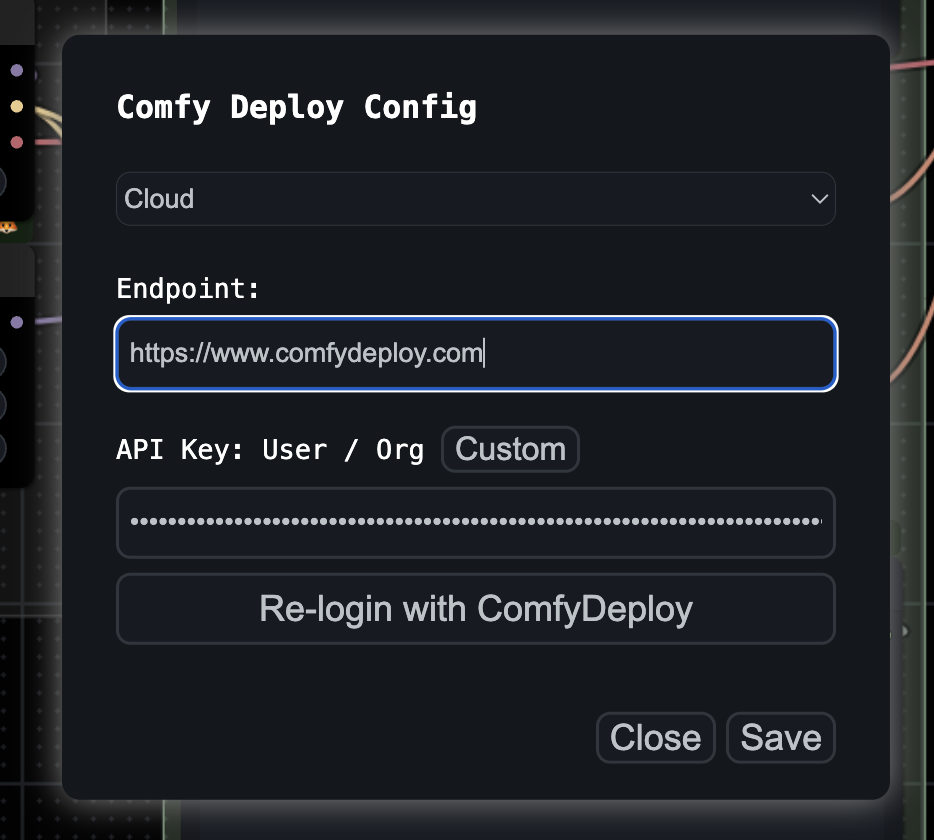
 Set up your API key, by clicking the 'cog' icon.
 Open the settings panel and then set your API key here, if you dont have one, create
here [Create API Key](https://www.comfydeploy.com/api-keys)
Open the settings panel and then set your API key here, if you dont have one, create
here [Create API Key](https://www.comfydeploy.com/api-keys)
 ## 2. Setup your workflow
Deploy your workflow
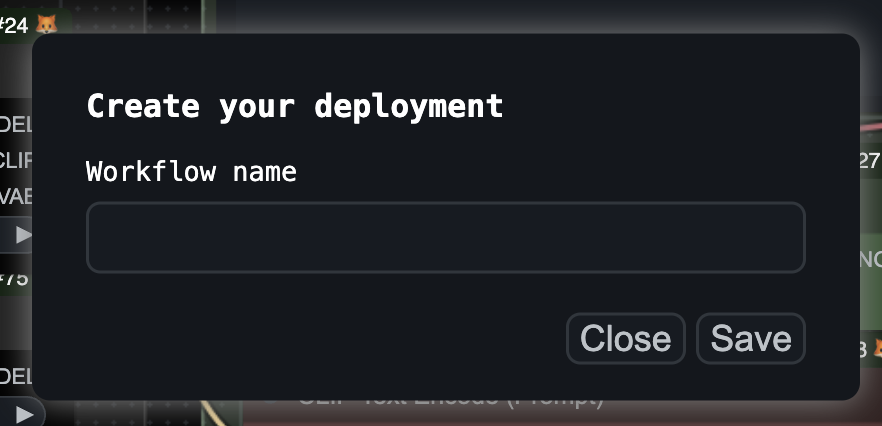
Set a name for your workflow
## 2. Setup your workflow
Deploy your workflow
Set a name for your workflow
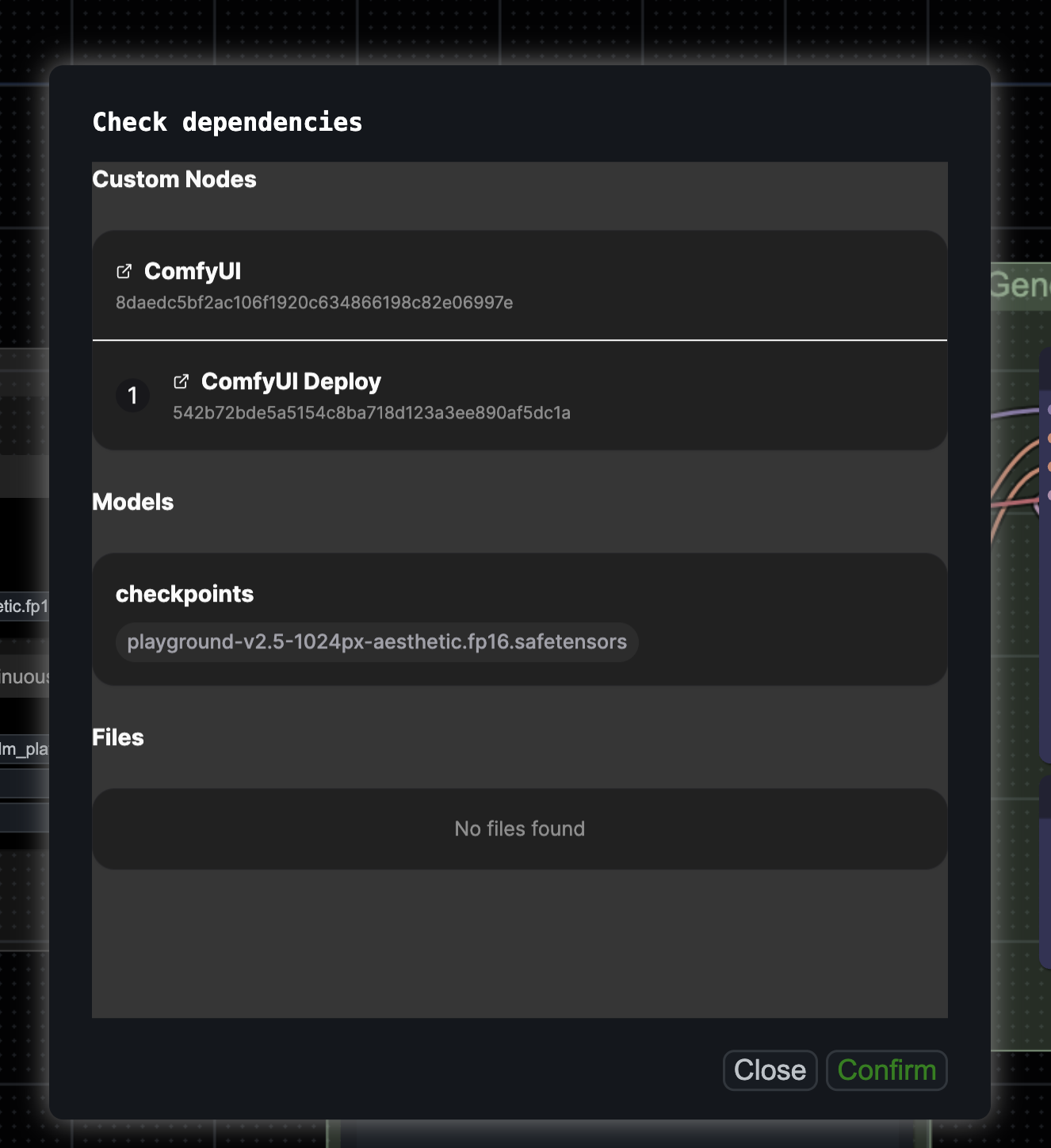
 Click confirm, we'll find your dependencies to your workflow, which you can confirm
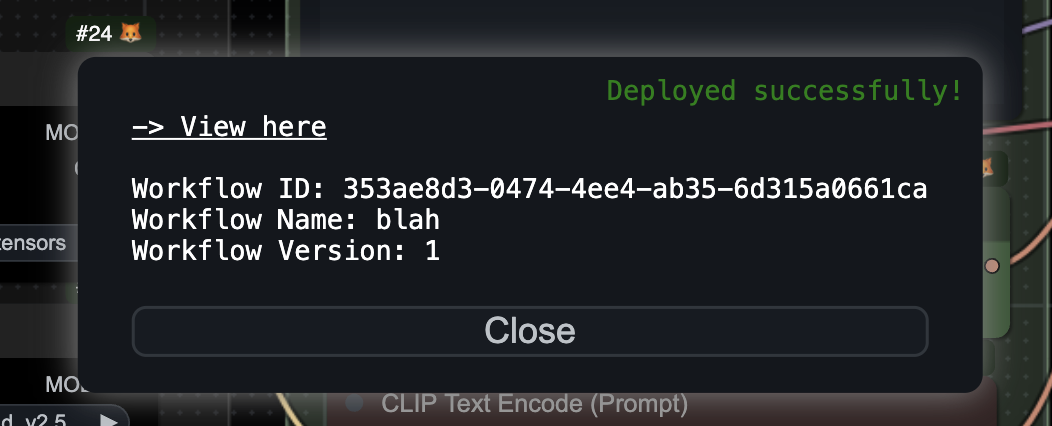
 You can then check it on your Comfy Deploy dashboard
 ## What's next?
Now, hit the Deploy button and your workflow will be deployed to ComfyUI's server. Check out
[your workflows here](/workflows).
## What's next?
Now, hit the Deploy button and your workflow will be deployed to ComfyUI's server. Check out
[your workflows here](/workflows).