> ## Documentation Index
> Fetch the complete documentation index at: https://comfydeploy.mintlify.site/llms.txt
> Use this file to discover all available pages before exploring further.
# Workflow inputs
ComfyUI let's you connect nodes to each other when their input and output types match.
With Comfy Deploy you can expose inputs to your workflow by adding Comfy Deploy external nodes.
# Input custom node reference
If you have an input type that we don't support, please let us know in our [discord](https://discord.gg/ygb6VZwaMt) or create a PR in our [github](https://github.com/BennyKok/comfyui-deploy).
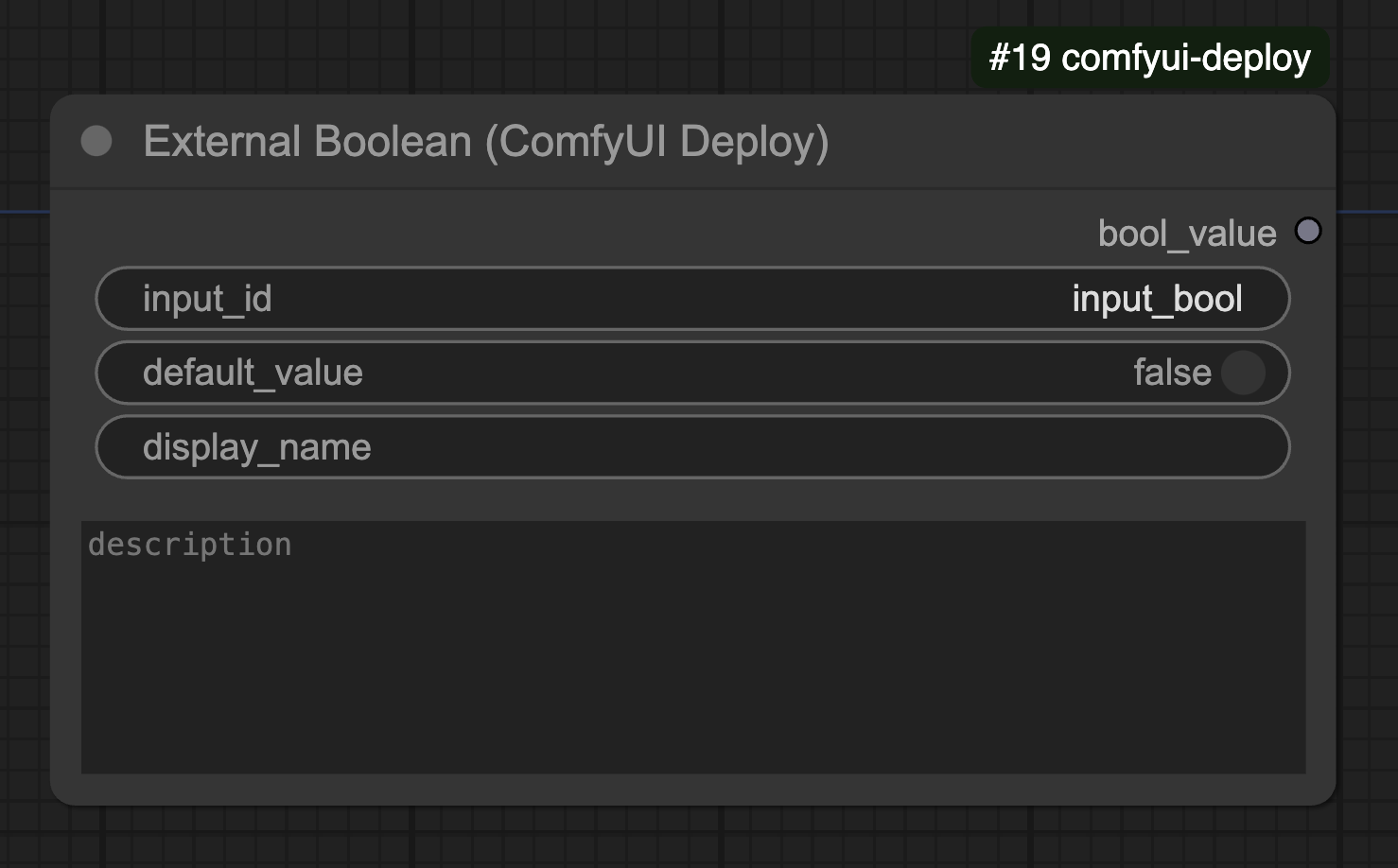
## External Boolean Input
Let's you expose a boolean input to your workflow.
### Properties
* `input_id`: Unique identifier for this input
* `default_value`: The default boolean value
* `display_name`: Optional friendly name to show in the UI
* `description`: Optional description of what this input controls
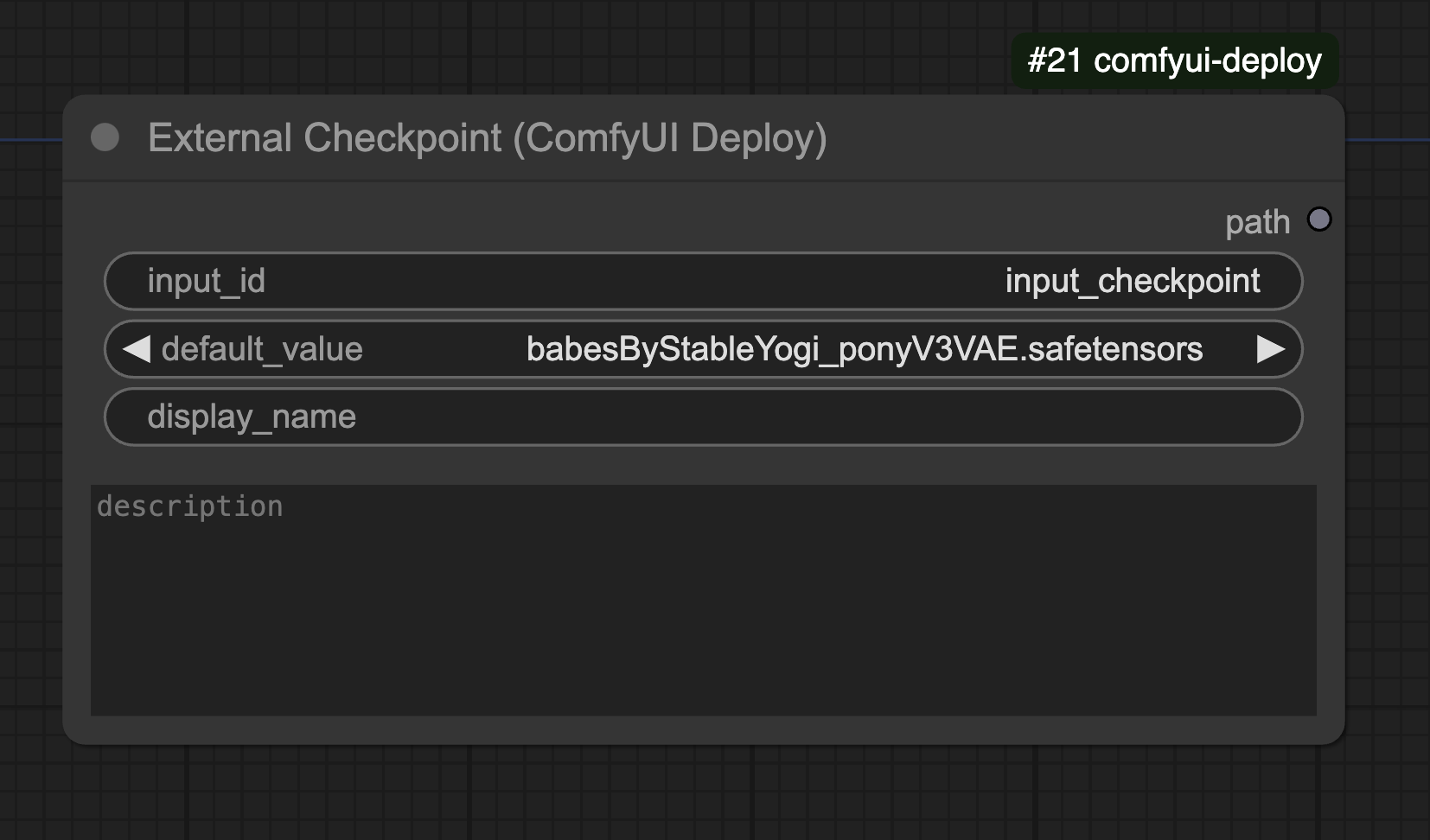
 ## External Checkpoint Input
Allows you to change the checkpoint model.
### Properties
* `input_id`: Unique identifier for this input (default: "input\_checkpoint")
* `default_value`: The default checkpoint model to use
* `display_name`: Optional friendly name to show in the UI
* `description`: Optional description of what this input controls
## External Checkpoint Input
Allows you to change the checkpoint model.
### Properties
* `input_id`: Unique identifier for this input (default: "input\_checkpoint")
* `default_value`: The default checkpoint model to use
* `display_name`: Optional friendly name to show in the UI
* `description`: Optional description of what this input controls
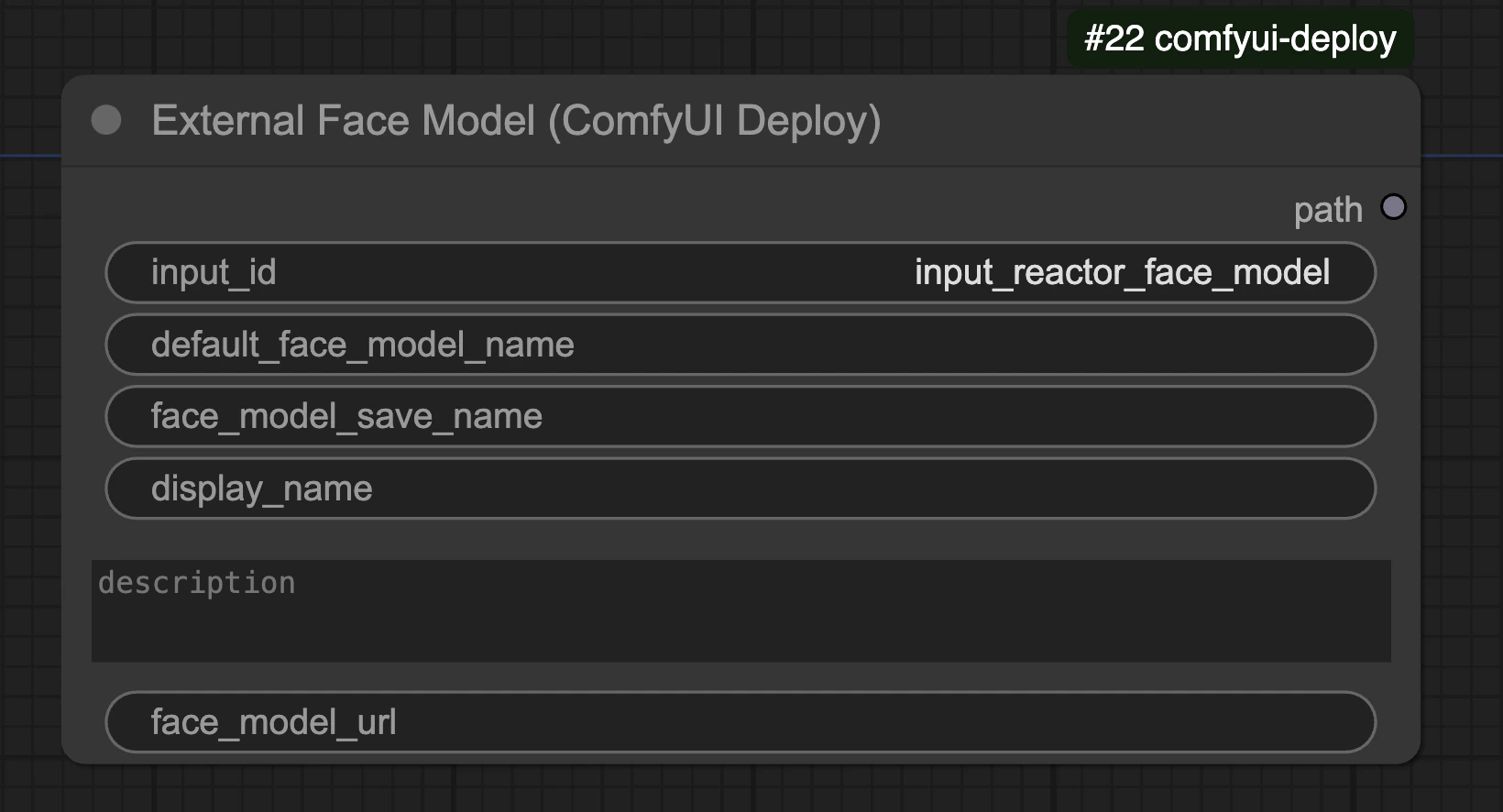
 ## External Face Model Input
The External Face Model node is for the reactor face model node for [ComfyUI Reactor](https://github.com/Gourieff/comfyui-reactor-node)
### Properties
* `input_id`: Unique identifier for this input (default: "input\_reactor\_face\_model")
* `default_face_model_name`: The default face model to use
* `face_model_save_name`: Name to save downloaded face model as
* `display_name`: Optional friendly name to show in the UI
* `description`: Optional description of what this input controls
* `face_model_url`: Optional URL to download face model from
## External Face Model Input
The External Face Model node is for the reactor face model node for [ComfyUI Reactor](https://github.com/Gourieff/comfyui-reactor-node)
### Properties
* `input_id`: Unique identifier for this input (default: "input\_reactor\_face\_model")
* `default_face_model_name`: The default face model to use
* `face_model_save_name`: Name to save downloaded face model as
* `display_name`: Optional friendly name to show in the UI
* `description`: Optional description of what this input controls
* `face_model_url`: Optional URL to download face model from
 ## External Image Input
The External Image node allows you to expose image inputs in your workflow. It supports loading images from URLs and base64 encoded data.
### Properties
* `input_id`: Unique identifier for this input (default: "input\_image")
* `default_value`: The default image to use if no input is provided
* `display_name`: Optional friendly name to show in the UI
* `description`: Optional description of what this input controls
## External Image Input
The External Image node allows you to expose image inputs in your workflow. It supports loading images from URLs and base64 encoded data.
### Properties
* `input_id`: Unique identifier for this input (default: "input\_image")
* `default_value`: The default image to use if no input is provided
* `display_name`: Optional friendly name to show in the UI
* `description`: Optional description of what this input controls
 ## External Image Alpha Input
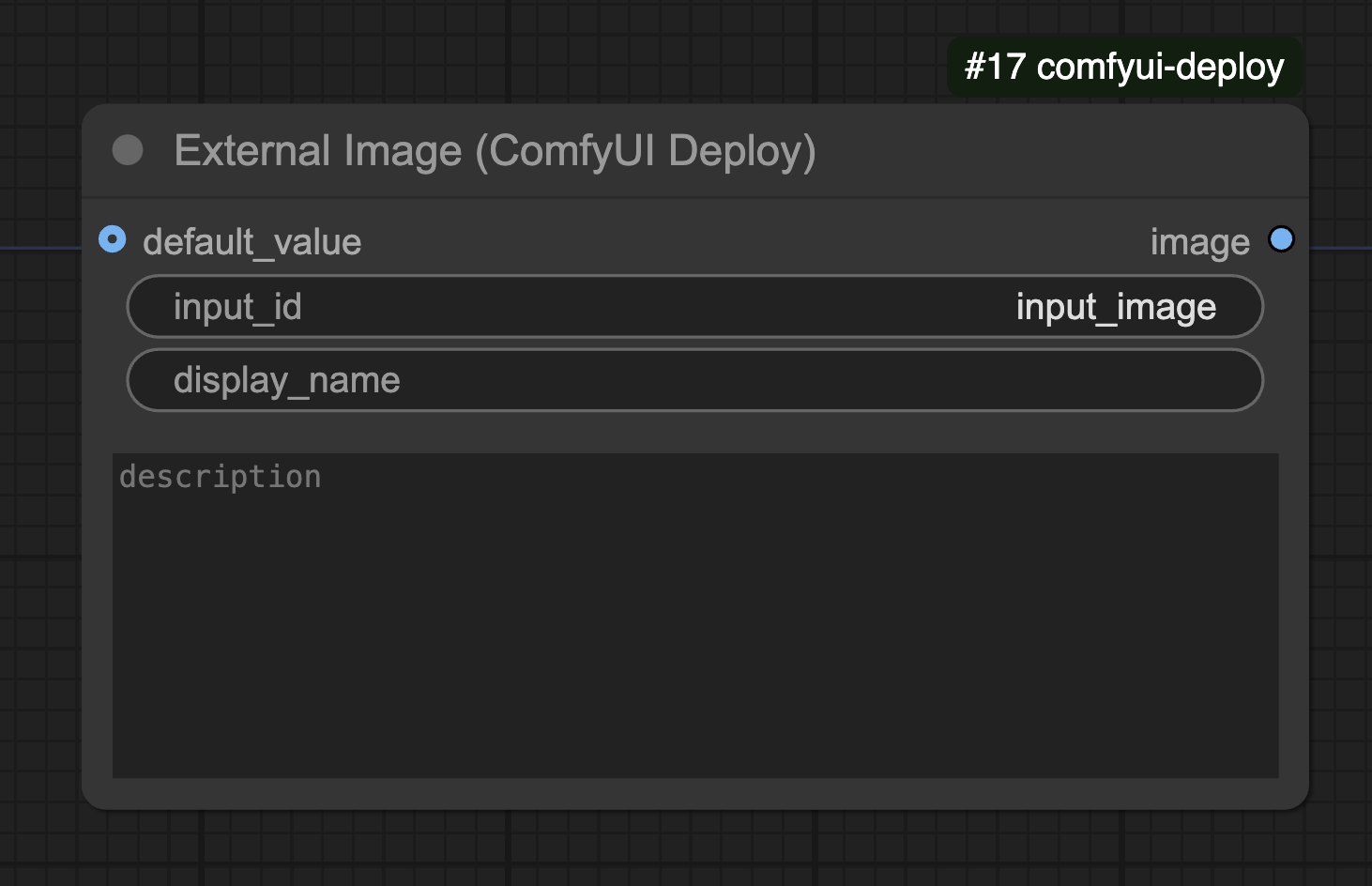
The External Image Alpha node is an alternative image input node that allows you to expose image inputs to use the Alpha channel. It supports loading images from URLs and base64 encoded data, with improved alpha channel handling.
### Properties
* `input_id`: Unique identifier for this input (default: "input\_image")
* `default_value`: The default image to use if no input is provided
* `display_name`: Optional friendly name to show in the UI
* `description`: Optional description of what this input controls
## External Image Alpha Input
The External Image Alpha node is an alternative image input node that allows you to expose image inputs to use the Alpha channel. It supports loading images from URLs and base64 encoded data, with improved alpha channel handling.
### Properties
* `input_id`: Unique identifier for this input (default: "input\_image")
* `default_value`: The default image to use if no input is provided
* `display_name`: Optional friendly name to show in the UI
* `description`: Optional description of what this input controls
 ## External Image Batch Input
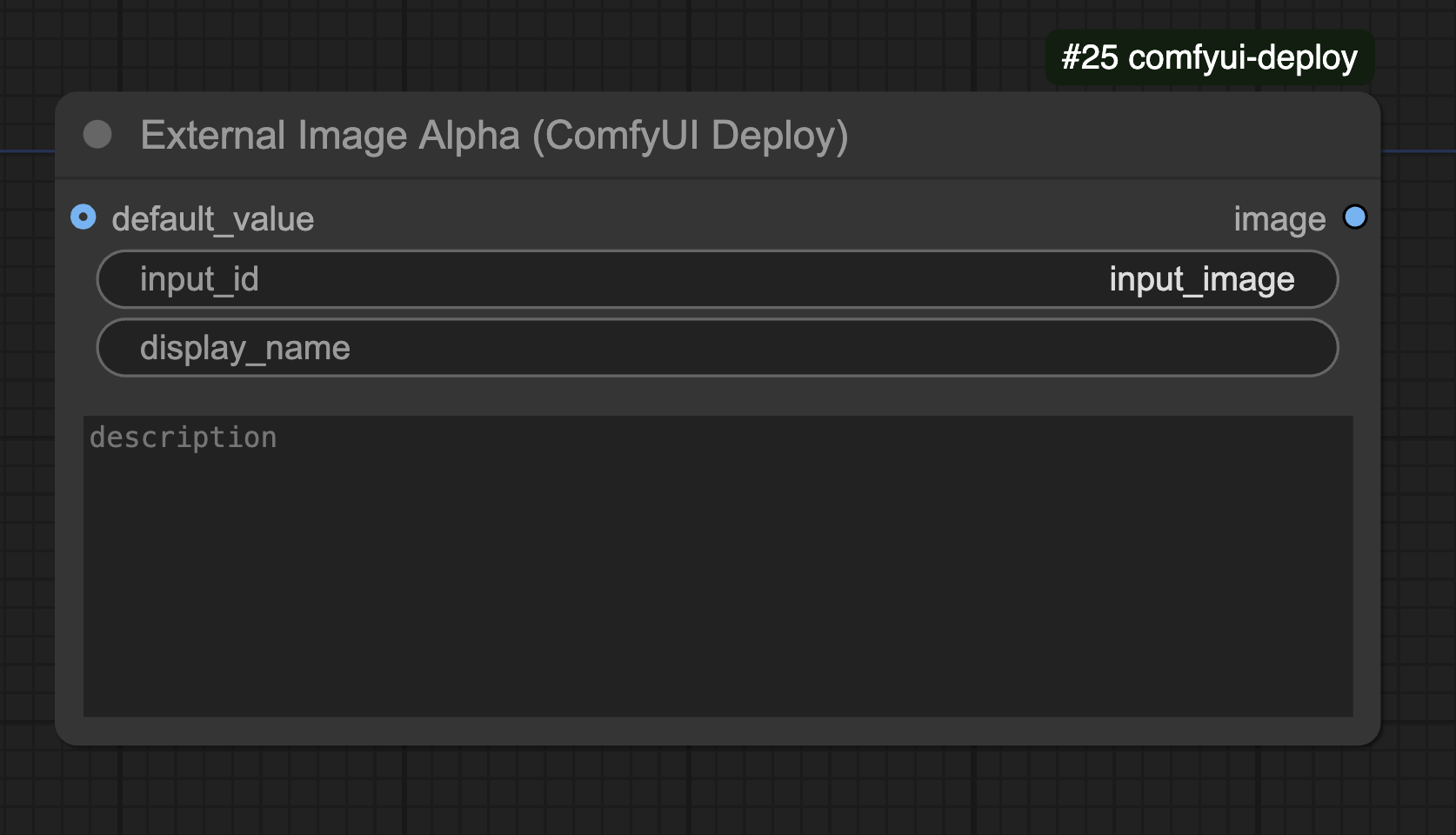
The External Image Batch node allows you to send multiple images as an input.
It supports loading images from URLs (including ZIP files containing images) and base64 encoded data.
This node is usually used with video workflows. Most likely you want to use External Image
### Properties
* `input_id`: Unique identifier for this input (default: "input\_images")
* `images`: JSON array of image sources (URLs, ZIP files, or base64 data)
* `default_value`: The default image to use if no input is provided
* `display_name`: Optional friendly name to show in the UI
* `description`: Optional description of what this input controls
## External Image Batch Input
The External Image Batch node allows you to send multiple images as an input.
It supports loading images from URLs (including ZIP files containing images) and base64 encoded data.
This node is usually used with video workflows. Most likely you want to use External Image
### Properties
* `input_id`: Unique identifier for this input (default: "input\_images")
* `images`: JSON array of image sources (URLs, ZIP files, or base64 data)
* `default_value`: The default image to use if no input is provided
* `display_name`: Optional friendly name to show in the UI
* `description`: Optional description of what this input controls
 ## External Lora Input
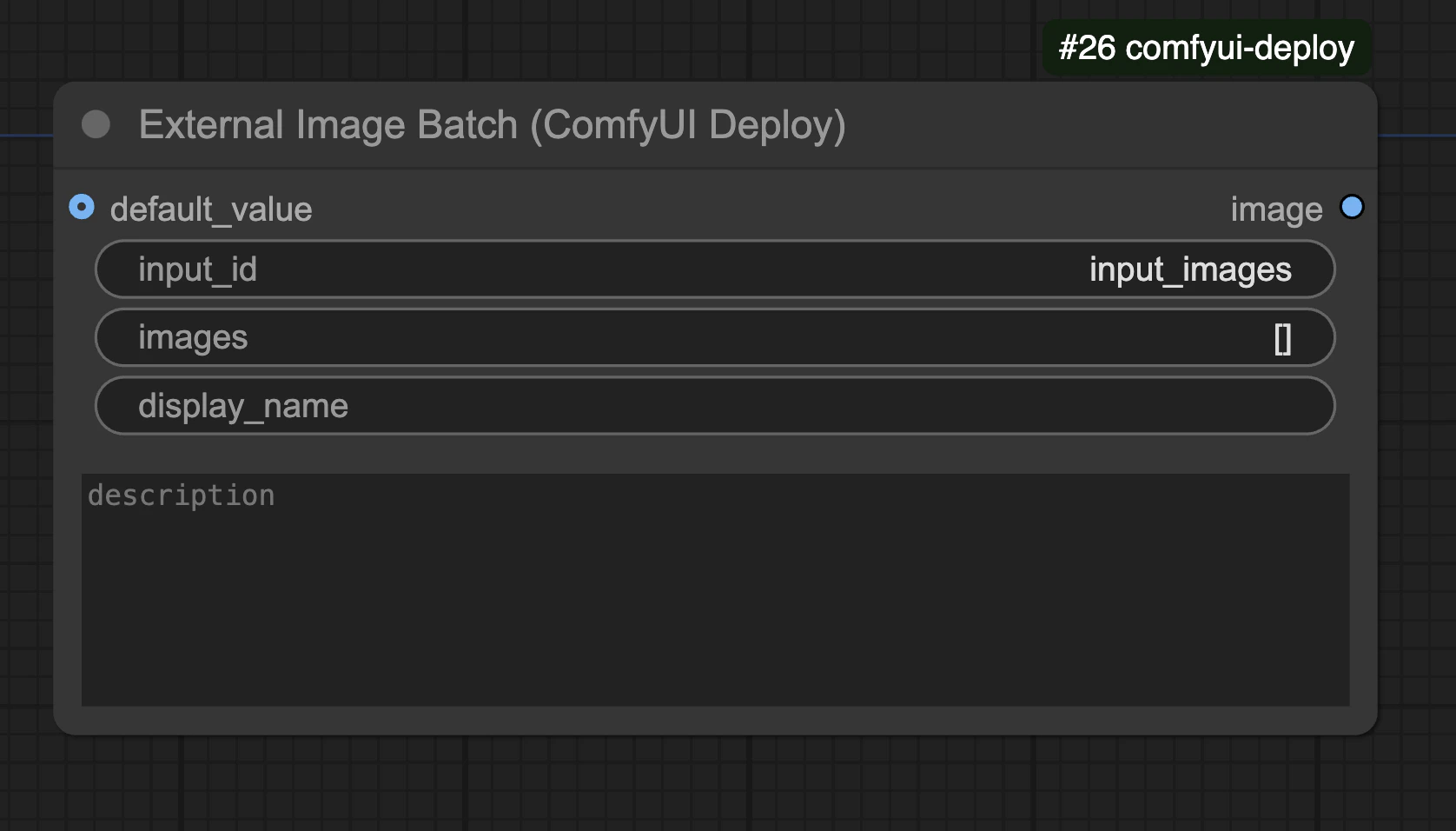
The External Lora node allows you to dynamically load LoRA models into your workflow.
### Properties
* `input_id`: Unique identifier for this input (default: "input\_lora")
* `default_lora_name`: The default LoRA model to use if no input is provided
* `lora_save_name`: Name to save downloaded LoRA as (when loading from URL)
* `display_name`: Optional friendly name to show in the UI
* `description`: Optional description of what this input controls
* `lora_url`: Optional URL to download LoRA from
## External Lora Input
The External Lora node allows you to dynamically load LoRA models into your workflow.
### Properties
* `input_id`: Unique identifier for this input (default: "input\_lora")
* `default_lora_name`: The default LoRA model to use if no input is provided
* `lora_save_name`: Name to save downloaded LoRA as (when loading from URL)
* `display_name`: Optional friendly name to show in the UI
* `description`: Optional description of what this input controls
* `lora_url`: Optional URL to download LoRA from
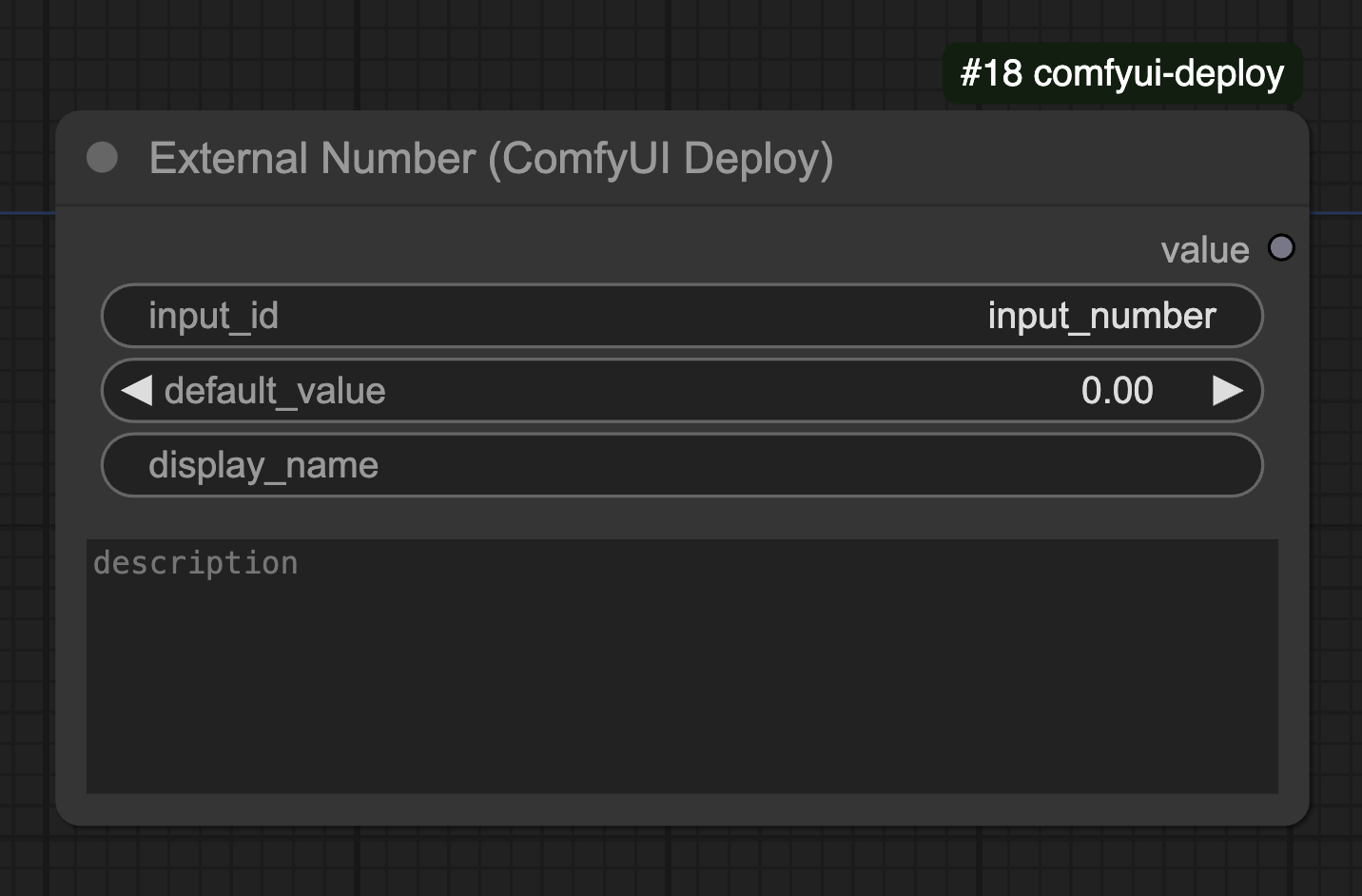
 ## External Number Input
The External Number node allows you to input numeric values.
### Properties
* `input_id`: Unique identifier for this input (default: "input\_number")
* `default_value`: The default number to use if no input is provided
* `display_name`: Optional friendly name to show in the UI
* `description`: Optional description of what this input controls
## External Number Input
The External Number node allows you to input numeric values.
### Properties
* `input_id`: Unique identifier for this input (default: "input\_number")
* `default_value`: The default number to use if no input is provided
* `display_name`: Optional friendly name to show in the UI
* `description`: Optional description of what this input controls
 ## External Number Int Input
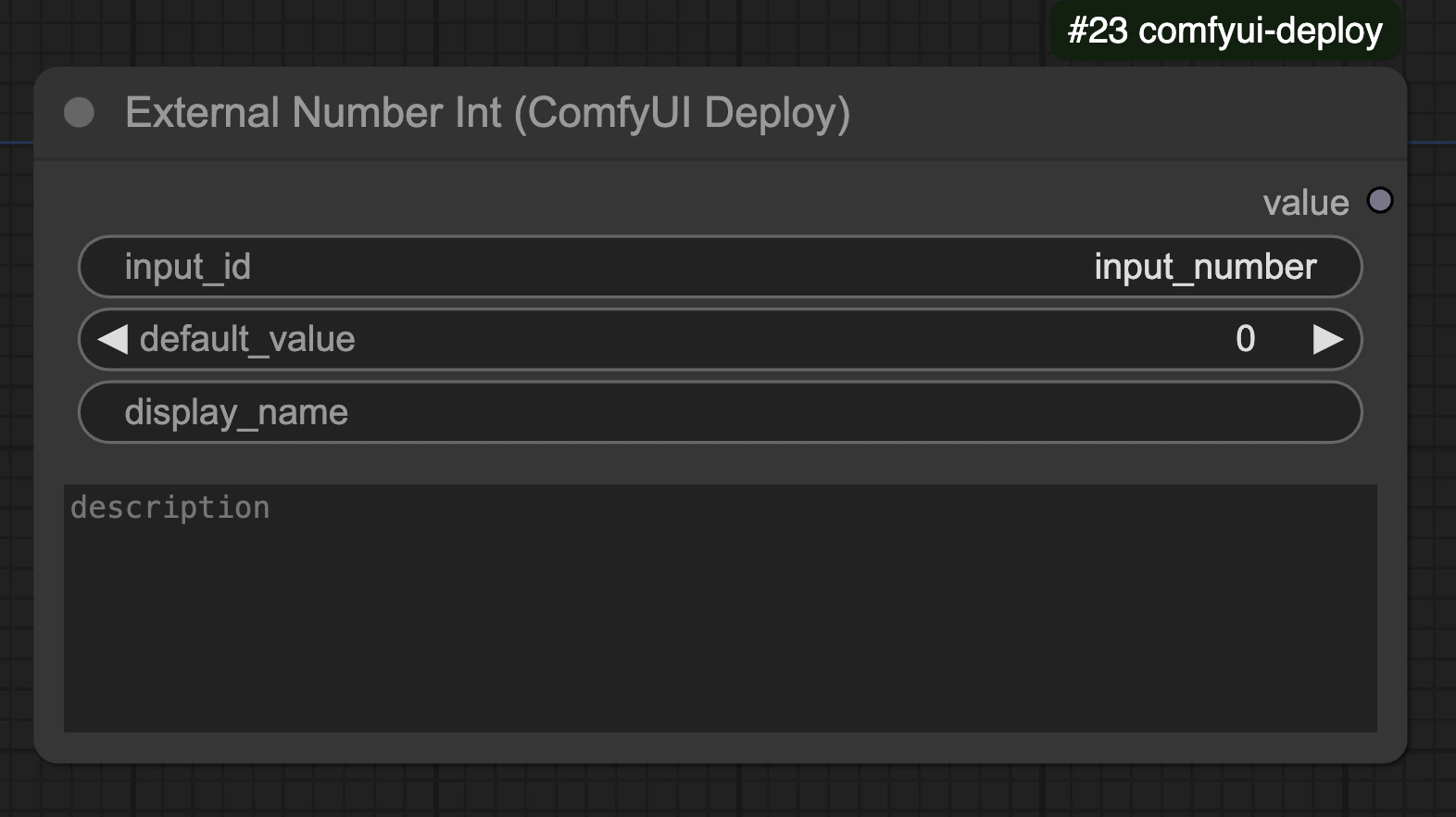
The External Number Int node allows you to input integer values.
### Properties
* `input_id`: Unique identifier for this input (default: "input\_number")
* `default_value`: The default integer to use if no input is provided (range: -2147483647 to 2147483647)
* `display_name`: Optional friendly name to show in the UI
* `description`: Optional description of what this input controls
## External Number Int Input
The External Number Int node allows you to input integer values.
### Properties
* `input_id`: Unique identifier for this input (default: "input\_number")
* `default_value`: The default integer to use if no input is provided (range: -2147483647 to 2147483647)
* `display_name`: Optional friendly name to show in the UI
* `description`: Optional description of what this input controls
 ## External Number Slider Input
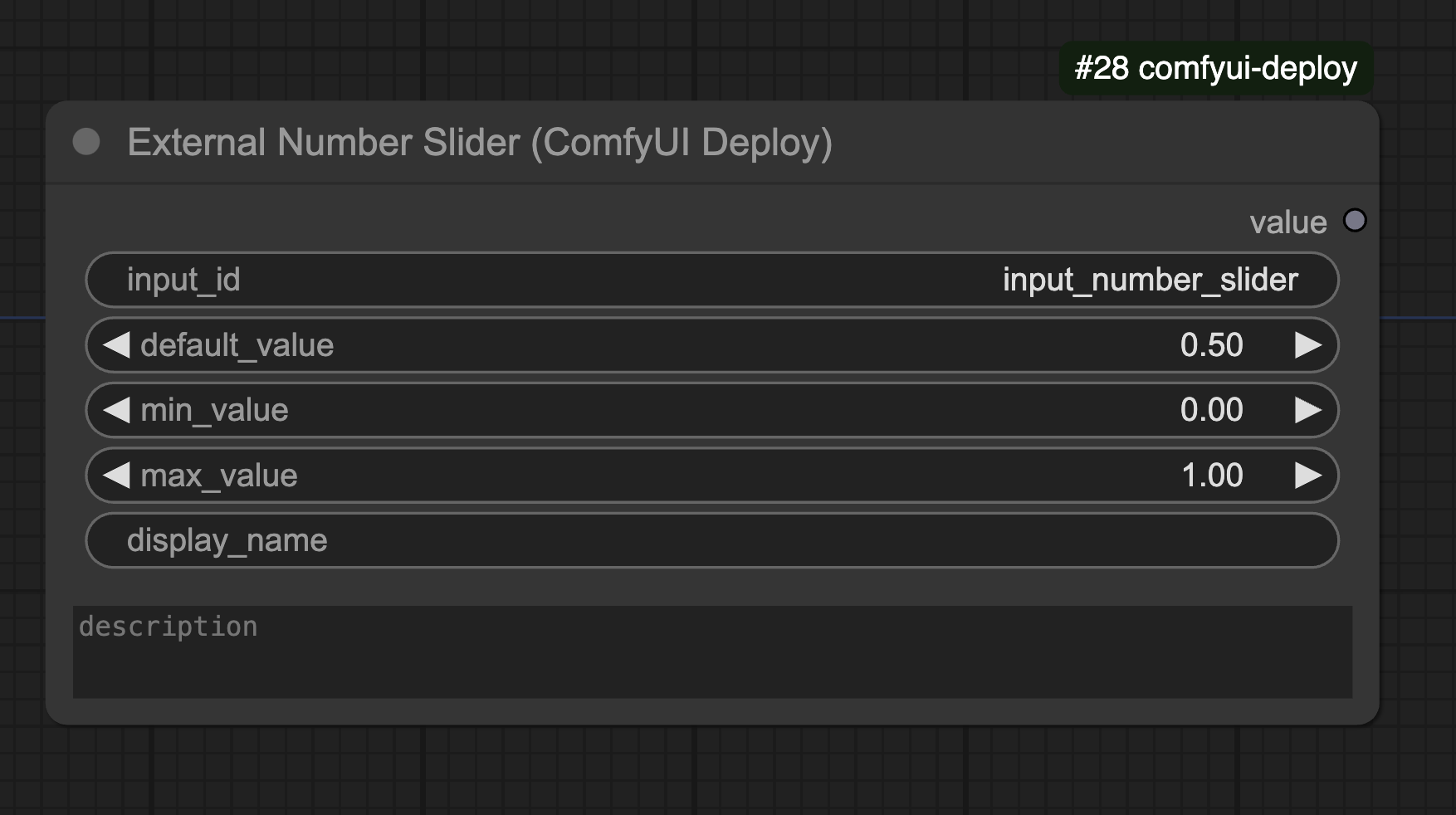
The External Number Slider node provides a slider interface for numeric input.
This will render a slider in the playground UI.
### Properties
* `input_id`: Unique identifier for this input (default: "input\_number\_slider")
* `default_value`: The default number to use if no input is provided (default: 0.5)
* `min_value`: Minimum allowed value for the slider (default: 0)
* `max_value`: Maximum allowed value for the slider (default: 1)
* `display_name`: Optional friendly name to show in the UI
* `description`: Optional description of what this input controls
## External Number Slider Input
The External Number Slider node provides a slider interface for numeric input.
This will render a slider in the playground UI.
### Properties
* `input_id`: Unique identifier for this input (default: "input\_number\_slider")
* `default_value`: The default number to use if no input is provided (default: 0.5)
* `min_value`: Minimum allowed value for the slider (default: 0)
* `max_value`: Maximum allowed value for the slider (default: 1)
* `display_name`: Optional friendly name to show in the UI
* `description`: Optional description of what this input controls
 ## External Text Input
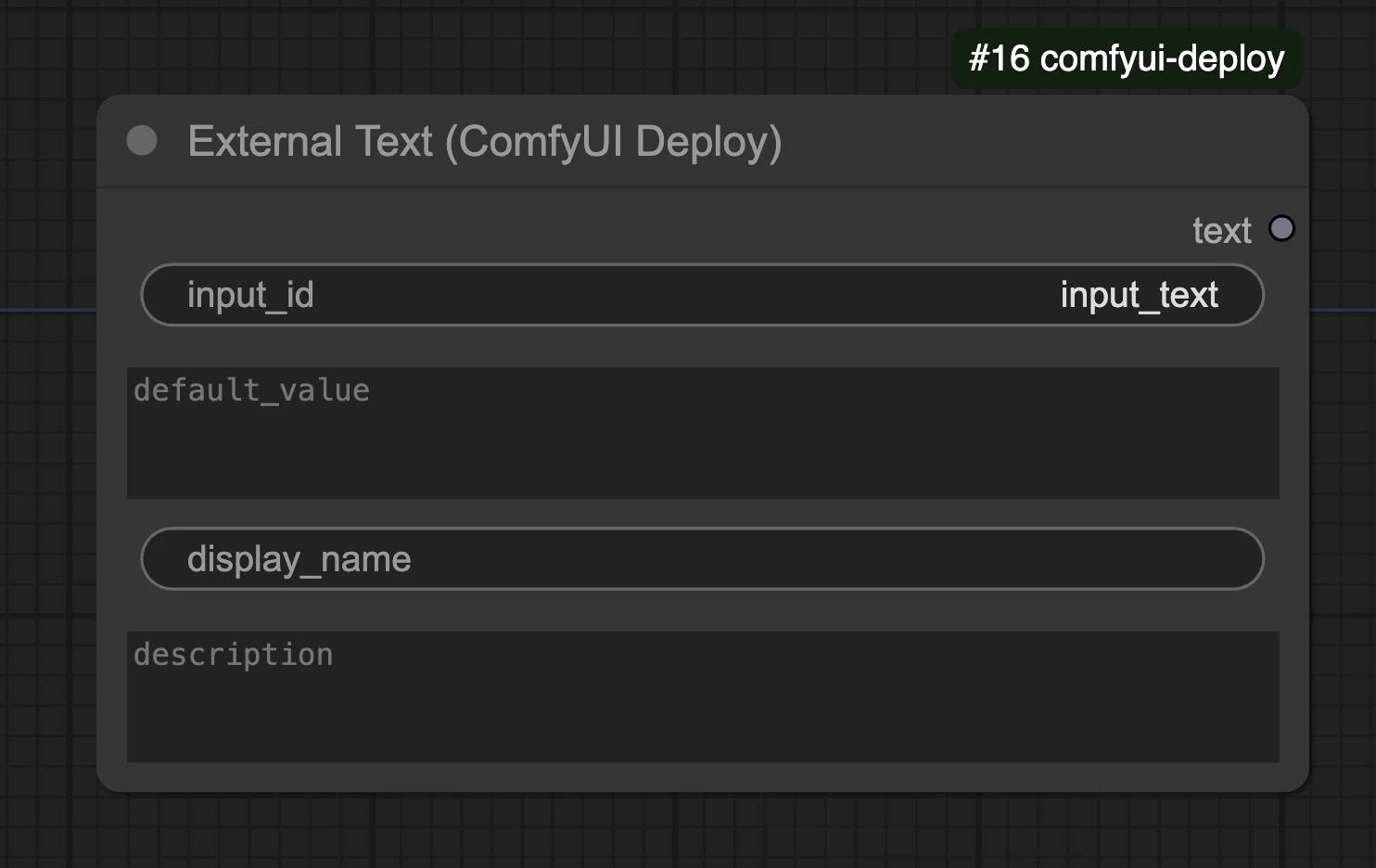
The External Text Input node allows accepting text input.
### Properties
* `input_id`: Unique identifier for this input (default: "input\_text")
* `default_value`: The default text to use if no input is provided
* `display_name`: Optional friendly name to show in the UI
* `description`: Optional description of what this input controls
## External Text Input
The External Text Input node allows accepting text input.
### Properties
* `input_id`: Unique identifier for this input (default: "input\_text")
* `default_value`: The default text to use if no input is provided
* `display_name`: Optional friendly name to show in the UI
* `description`: Optional description of what this input controls
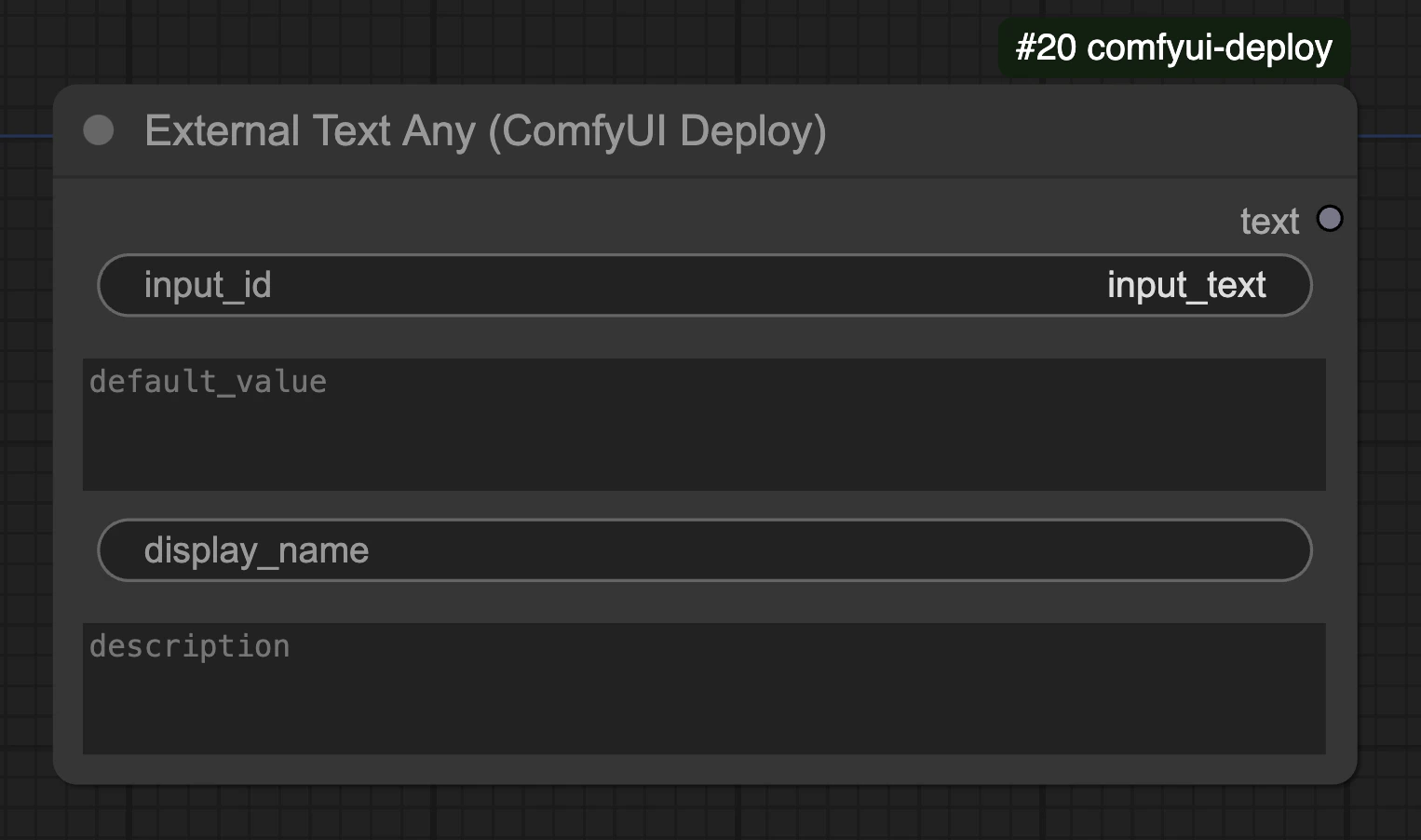
 ## External Text Any
The External Text Any node is similar to External Text Input but can be connected to any type.
Useful for inputs that have string dropdowns. E.g. `sampler` for the `Ksampler` node.
When connecting to an enum values, we will not be able to validate the input before runtime.
### Properties
* `input_id`: Unique identifier for this input (default: "input\_text")
* `default_value`: The default text to use if no input is provided
* `display_name`: Optional friendly name to show in the UI
* `description`: Optional description of what this input controls
## External Text Any
The External Text Any node is similar to External Text Input but can be connected to any type.
Useful for inputs that have string dropdowns. E.g. `sampler` for the `Ksampler` node.
When connecting to an enum values, we will not be able to validate the input before runtime.
### Properties
* `input_id`: Unique identifier for this input (default: "input\_text")
* `default_value`: The default text to use if no input is provided
* `display_name`: Optional friendly name to show in the UI
* `description`: Optional description of what this input controls
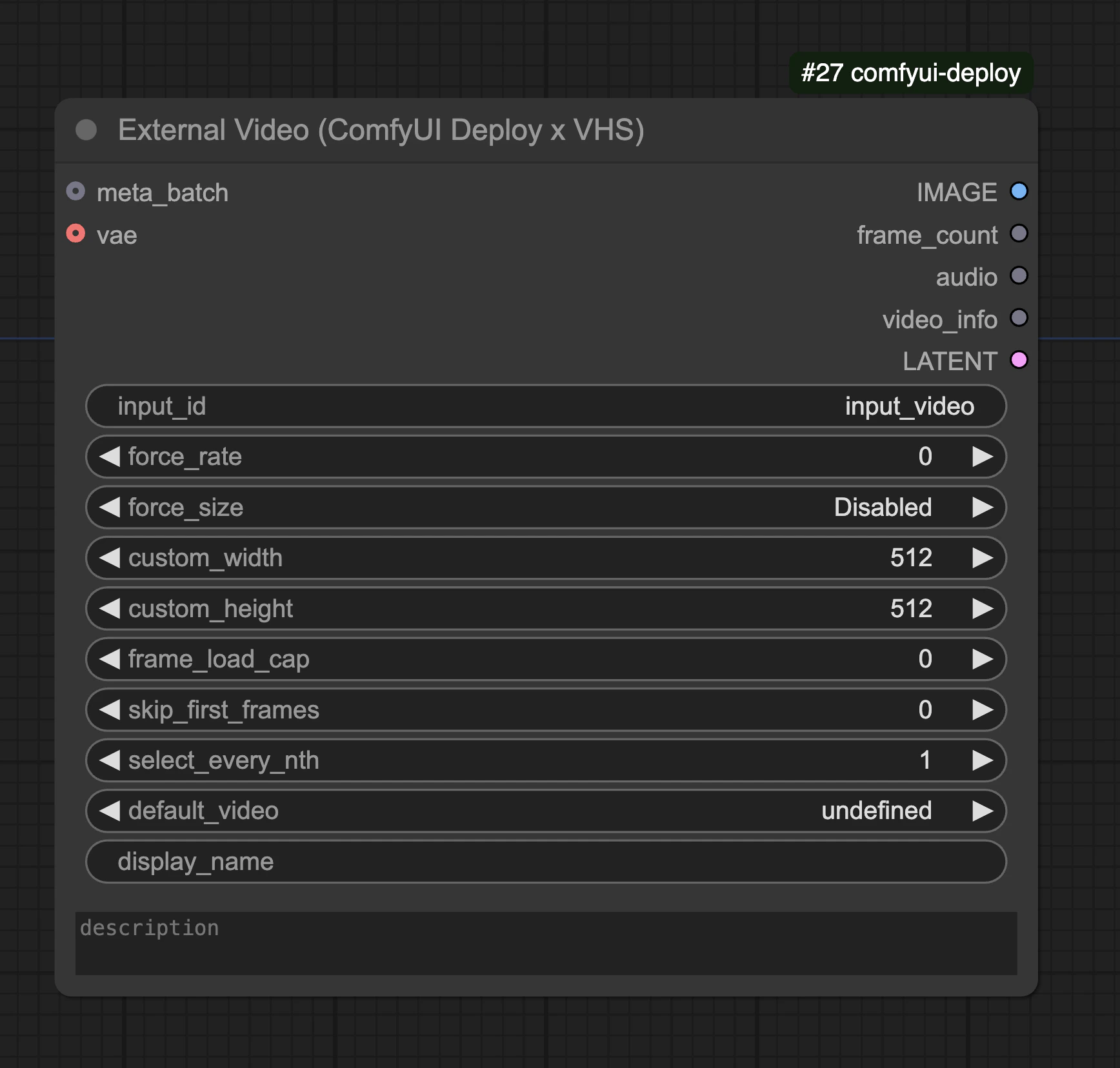
 ## External Video Input X VHS
The External Video Input node allows accepting video files through the API or playground. It supports common video formats like MP4, WebM, MKV and GIF.
This is desigend to work with the [Video Helper Suite nodes](https://github.com/Kosinkadink/ComfyUI-VideoHelperSuite)
### Properties
* `input_id`: Unique identifier for this input (default: "input\_video")
* `default_value`: The default video file to use if no input is provided
* `meta_batch`: Optional batch processing configuration
## External Video Input X VHS
The External Video Input node allows accepting video files through the API or playground. It supports common video formats like MP4, WebM, MKV and GIF.
This is desigend to work with the [Video Helper Suite nodes](https://github.com/Kosinkadink/ComfyUI-VideoHelperSuite)
### Properties
* `input_id`: Unique identifier for this input (default: "input\_video")
* `default_value`: The default video file to use if no input is provided
* `meta_batch`: Optional batch processing configuration