> ## Documentation Index
> Fetch the complete documentation index at: https://comfydeploy.mintlify.site/llms.txt
> Use this file to discover all available pages before exploring further.
# Playground
The playground let's you share a simple app powered by your workflow to your team. It's great for testing and getting feedback from people without needing them to use ComfyUI.
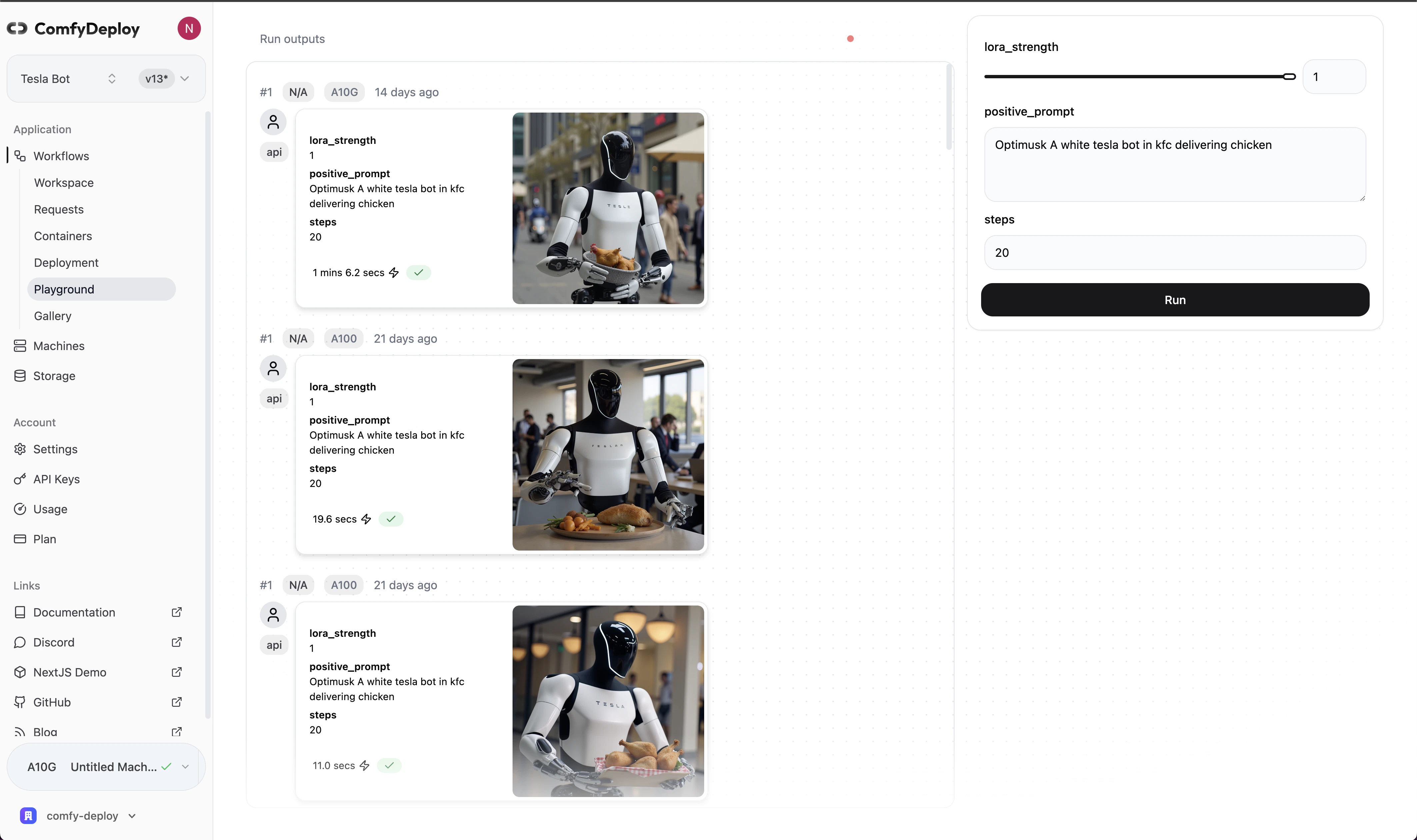 The UI is defined by the inputs you expose in your workflow. Here's a list of the [inputs](/v2/deployments/inputs) you can use.
## Roles
For people you want to share the playground with and nothing else, you can invite them as a "User" in your [organization profile](https://www.comfydeploy.com/organization-profile).
Roles require you be in an organization. Learn more about [roles](/v2/team/roles).
The UI is defined by the inputs you expose in your workflow. Here's a list of the [inputs](/v2/deployments/inputs) you can use.
## Roles
For people you want to share the playground with and nothing else, you can invite them as a "User" in your [organization profile](https://www.comfydeploy.com/organization-profile).
Roles require you be in an organization. Learn more about [roles](/v2/team/roles).