> ## Documentation Index
> Fetch the complete documentation index at: https://comfydeploy.mintlify.site/llms.txt
> Use this file to discover all available pages before exploring further.
# ComfyUI
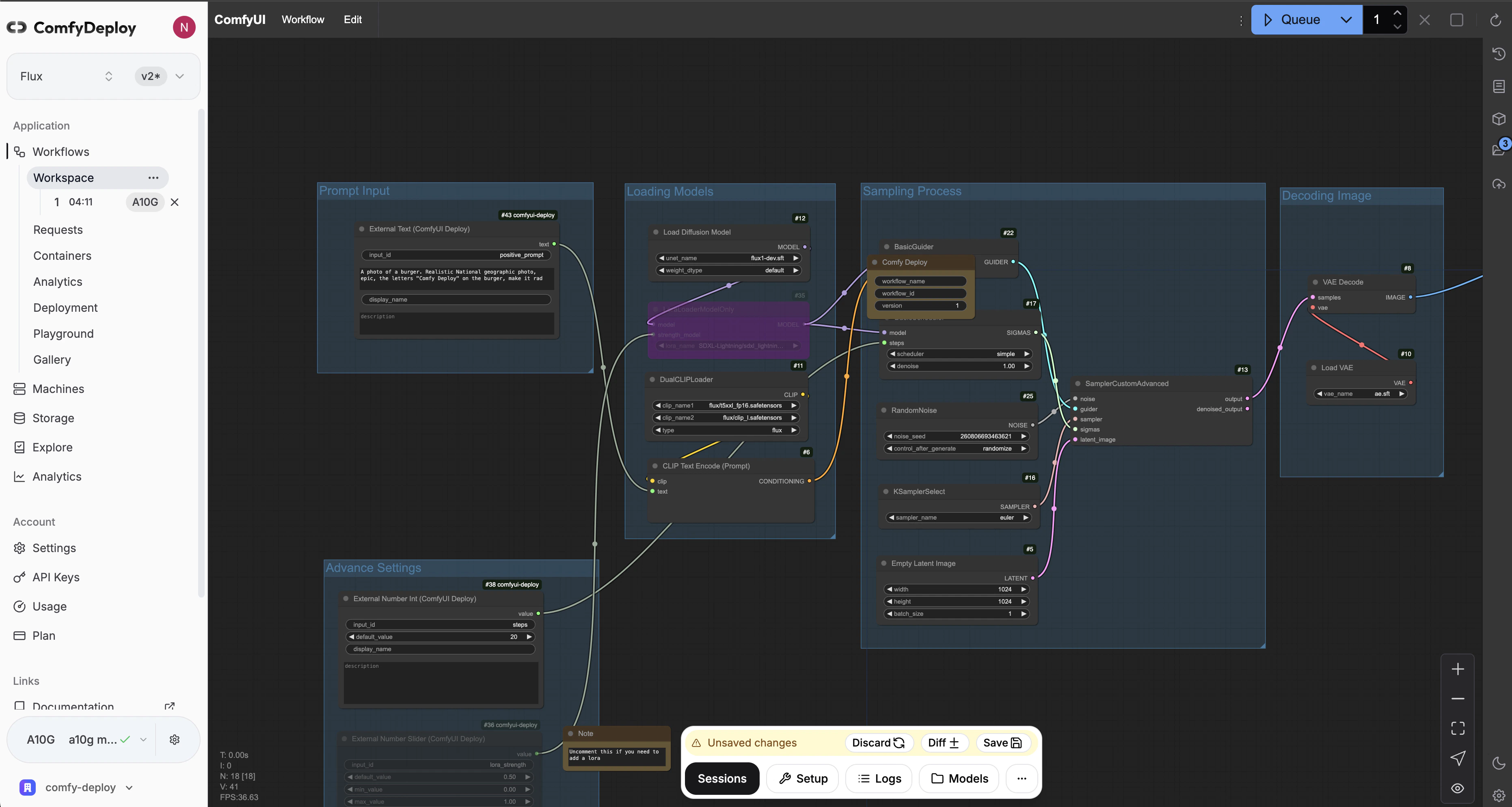
Comfy Deploy let's you use ComfyUI in the cloud. We call this the workspace which you can access for each of your workflows.
The components that make a workspace are
1. [Machine environment](/v2/machines/environment) - custom nodes, python packages, etc.
2. [Models folder](/v2/models/download) - checkpoint, vae, etc.
The machine that your workflow is attached to needs to be built to use and see ComfyUI.
 ## Sessions
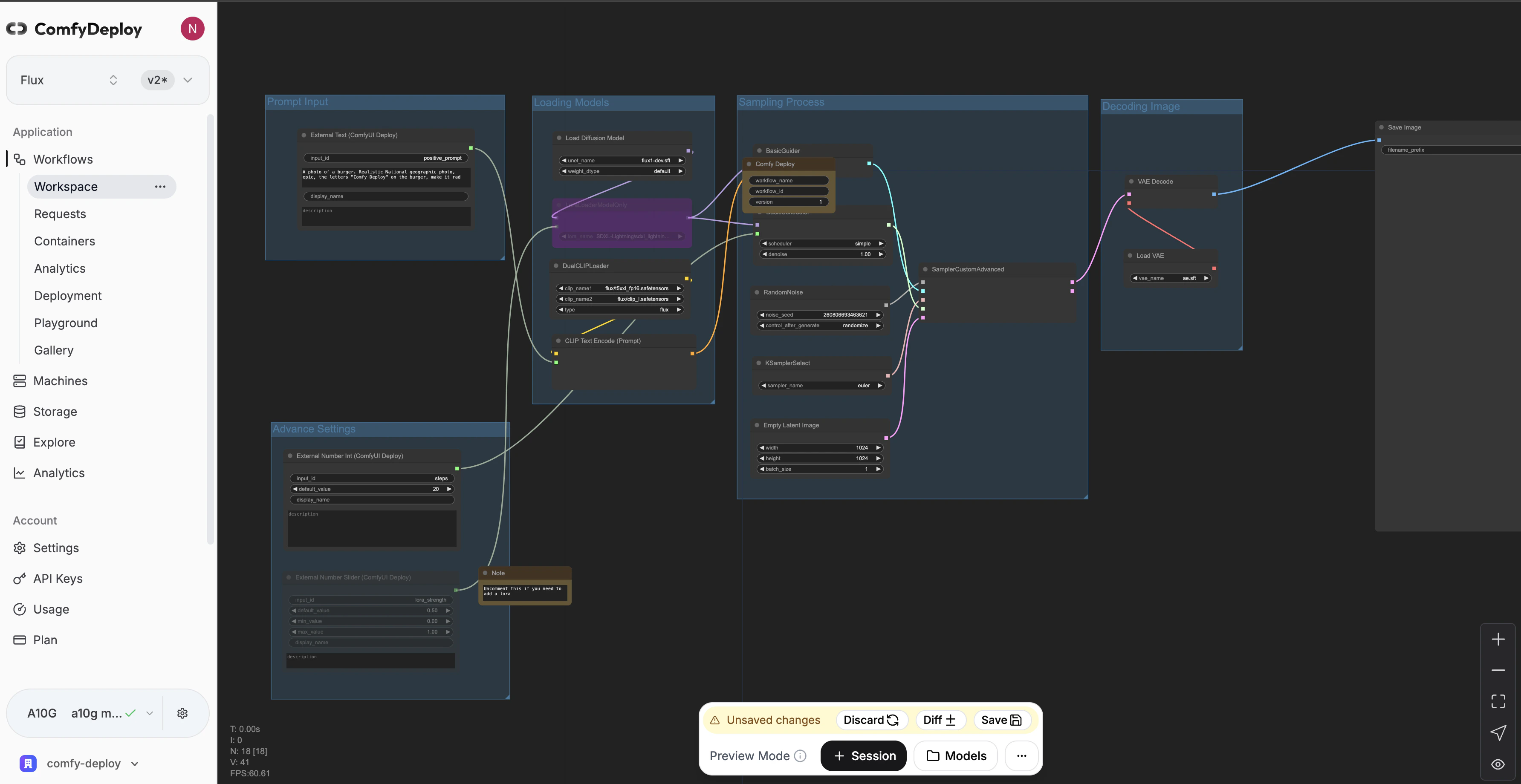
Sessions let you spin up a GPU in the cloud to run your workflow.
You will be asked to select a `timeout period`. The maximum amount of time your session will last for.
Currently you cannot add time while being in the session.
If you want to add new models to your account. You can do so by going to the [storage page](https://www.comfydeploy.com/storage).
Once the model has finished downloading, you will need to restart your session to be able to use the model.
## Sessions
Sessions let you spin up a GPU in the cloud to run your workflow.
You will be asked to select a `timeout period`. The maximum amount of time your session will last for.
Currently you cannot add time while being in the session.
If you want to add new models to your account. You can do so by going to the [storage page](https://www.comfydeploy.com/storage).
Once the model has finished downloading, you will need to restart your session to be able to use the model.